
Languages & texts
The whole script speaks one language, the one in Config.Locale. That covers the menu, the admin panel, garment and tattoo names, the E signs, notices, the subcommands and the console. Players don't choose it; everyone on the server sees the same one.
Included languages
Config.Locale | Language |
|---|---|
en | English (the default) |
es | Spanish |
pt | Portuguese (Brazil) |
fr | French |
de | German |
it | Italian |
pl | Polish |
tr | Turkish |
nl | Dutch |
Each language comes with its own E sign pictures and its own subcommand names, such as /zappearance kleidung in German. It also writes numbers its own way: $1.250 in Spanish, $1,250 in English.
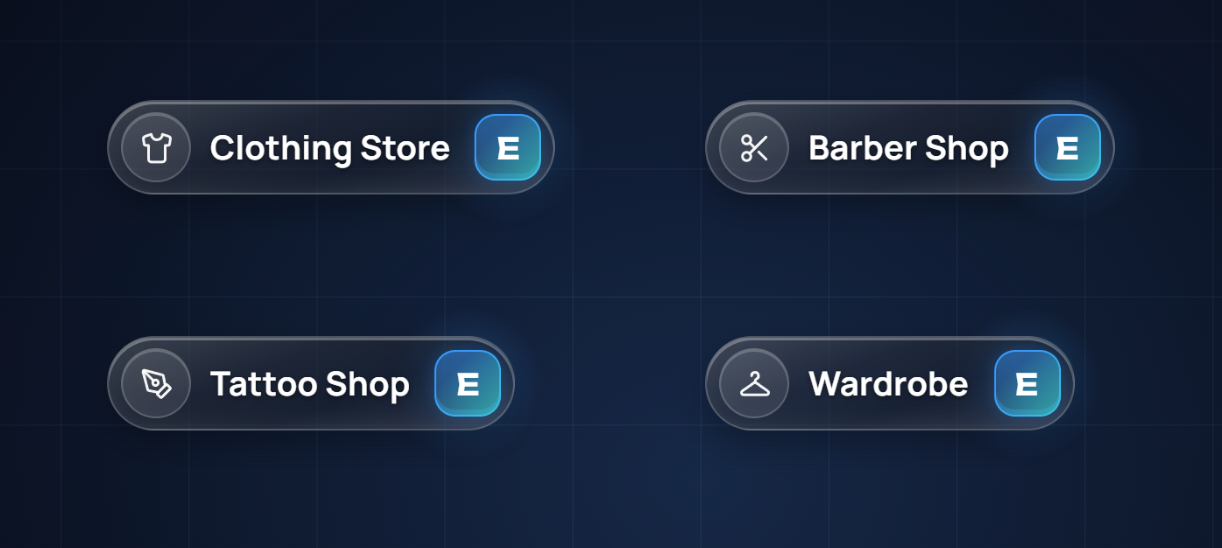
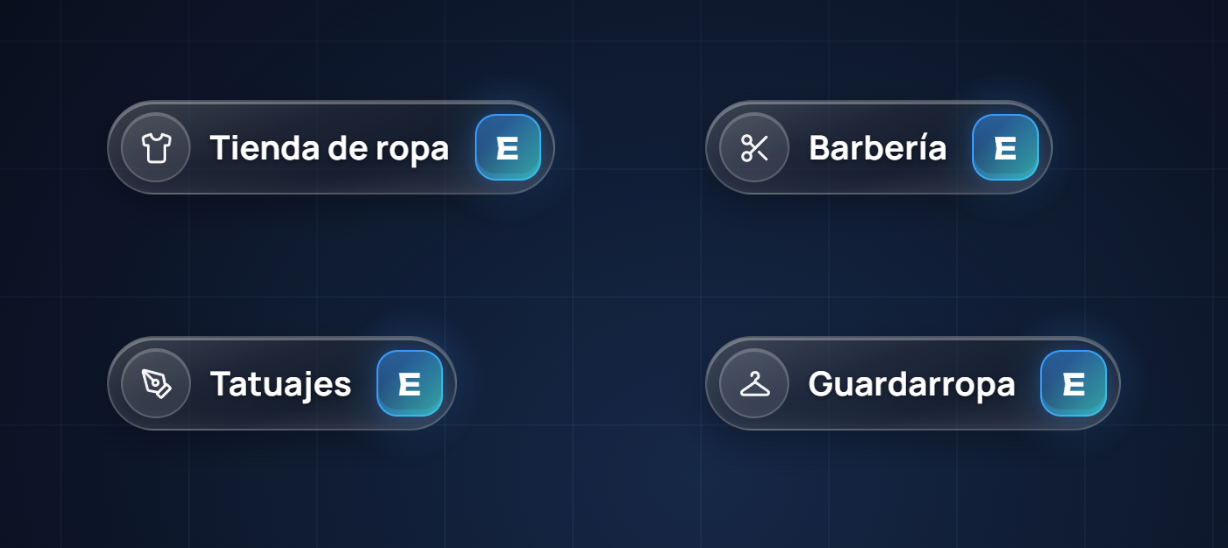
Config.Locale = 'es'.Changing the language
Set it in the config
luaConfig.Locale = 'es'Restart the resource
ensure zaiders_appearance, or restart the server. The console confirms it:text[zaiders_appearance] the language changed from 'en' to 'es' (Config.Locale): the menu, the panel and the names are in the new one.
Shops that still have the name the game or the panel gave them, such as "Clothing · Strawberry", are renamed in the new language. Names you wrote yourself stay as they are. The previous list is kept as datos/tiendas.json.bak.
Changing a text
Every text is in zaiders_appearance/locales/<language>.json. Escrow doesn't touch these files. Each line is a key and its text:
{
  "chooser.clothing": "Change clothes",
  "chooser.clothingText": "Try anything on before you pay",
  "lua.cmd.unknown": "\"{word}\" is not a command. {help} shows the list."
}- Find the text you want to change. Your editor's search (Ctrl + F) finds it by what it says.
- Change only the text on the right. Leave the key on the left as it is.
- Keep the words in braces, such as
{word}or{n}. The script fills them in. - Save and restart the resource.
Keep the file valid
A missing quote or comma breaks the whole file. If the menu suddenly shows English texts, check the file with any JSON validator. Keys ending in .one and .other are the singular and plural of the same text.
Keep a copy of your changes
Updates bring new language files with the new texts. If you edited some, keep your file and put your lines back after updating.
Adding a language
Copy the English file
Copy
locales/en.jsonand give it the new language's code, for examplelocales/ru.json.Translate it
Translate the texts and keep every key and every word in braces.
Use it
luaConfig.Locale = 'ru'Restart the resource.
- A text missing from your file shows in English.
- A code without a file uses English, and the console says so.
- The E signs are pictures, with one folder per language (
prompt/<code>/; the Spanish ones are inprompt/). A language without its own folder shows the English signs. - Subcommands keep their English and Spanish names. You can rename them with
Config.Subcommands. See Commands & permissions.
Garment and tattoo names
The game's garment and tattoo names come in English and Spanish. Any other language shows the English ones.
Admins can give any garment its own name from the shop: right click the garment, then Rename. There is a field for each of the two languages. The panel's Catalog editor renames many at once.